Windows 11 July Update: System Rollbacks and Major Dell Crashes
Microsoft delivers a comprehensive update for Windows 11. In addition to significant changes for system recovery and Bluetooth fixes, a driver conflict halts the rollout for certain laptops.
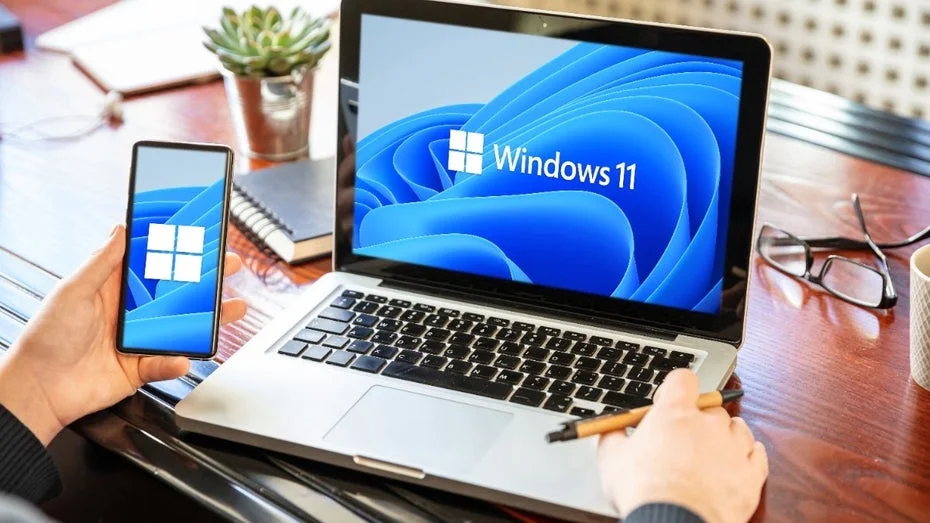
Microsoft has rolled out its July security update, KB5101650, for Windows 11, introducing a host of new features aimed at enhancing user experience and security. This update not only addresses multiple security vulnerabilities but also introduces five functional improvements designed to streamline everyday tasks in professional environments. The deployment of this update is happening gradually, meaning not all users will receive the new features simultaneously.
Currently, this staggered rollout is protecting some users from significant system issues caused by the update on specific Dell laptops. According to Windows Latest, devices from the American manufacturer are experiencing unexpected restarts and overheating due to a problematic driver conflict. Consequently, Microsoft has temporarily halted the rollout for these particular Intel machines until a reliable fix can be provided.
System Rollback Feature in Windows 11 KB5101650
For those systems that can safely install the update, Microsoft has enabled a comprehensive recovery feature known as "Point-in-time Restore." This tool utilizes the Volume Shadow Copy Service to create complete system snapshots in the background without user intervention. It allows administrators to revert their machines to a functional state from the past 72 hours in case of driver issues or faulty software installations.
However, this deep system integration requires a minimum of 200 GB of free disk space, as the block-level snapshots can consume up to 50 GB of space on the primary partition. Users should be aware that reverting to a previous restore point will result in the complete loss of all local files, passwords, and certificates created after the snapshot. Fortunately, cloud storage solutions are unaffected, as they are not part of the local file structure.
Enhancements to Windows 11 Widgets
The update also addresses user complaints regarding the widget window, which previously opened automatically when hovered over with the mouse. Now, it will no longer pop up unexpectedly, and notification counts are less obtrusive, adopting the system's chosen accent color instead of bright signal colors. Additionally, Microsoft has significantly reduced advertising content and news feeds, presenting new users with a simple weather widget rather than an overcrowded dashboard.
Another improvement involves the update installation process, which now allows users to pause updates for up to 35 days using a true calendar view. Previously, users were limited to rigid weekly intervals in a dropdown menu, making it difficult to schedule restarts during critical work periods. As the pause period nears its end, users can easily select a new date, provided it does not exceed the maximum limit of 35 days from the current day.
Bluetooth Improvements in the Update
A significant technical enhancement addresses wireless audio connections in professional settings. The hardware mute function of Bluetooth headsets now synchronizes correctly with Windows audio settings, preventing mismatches during video calls where the headset indicator light and the actual microphone status were previously out of sync. Furthermore, the Phone Link feature has been improved to ensure that outgoing calls from a paired mobile phone remain on the phone until answered, at which point they switch to the PC speakers.
Additionally, the update introduces a customizable screen tint feature that goes beyond existing night mode options. This tool, available in the accessibility settings, allows users sensitive to light to adjust display colors using six presets and fine-tune the tint intensity, providing relief during extended screen time. The built-in magnifier has also been revamped, enabling users to input a specific zoom percentage directly via the keyboard rather than relying on an imprecise slider.
Fix for Critical Storage Bug
Lastly, the update addresses a critical storage issue where the CapabilityAccessManager.db-wal log file would grow uncontrollably, silently consuming hundreds of gigabytes of system drive space. By applying this update, the root cause of this excessive database file growth is permanently resolved. The update significantly alters management structures to prevent the background service from continuing to flood storage media with obsolete log data.
Users who have previously encountered this issue may need to manually delete the oversized file after installation. While the update effectively stops further growth, it does not always automatically free up previously occupied disk space. Therefore, a quick manual check of the system drive in Windows Explorer is recommended to restore the full storage capacity of the device.