
Travel Checklist: 8 Essential Safety Tips for Your Smartphone and Laptop
As you prepare for your vacation, don't forget to secure your smartphone, tablet, and laptop. Here are essential safety tips to protect your devices and data while traveling.
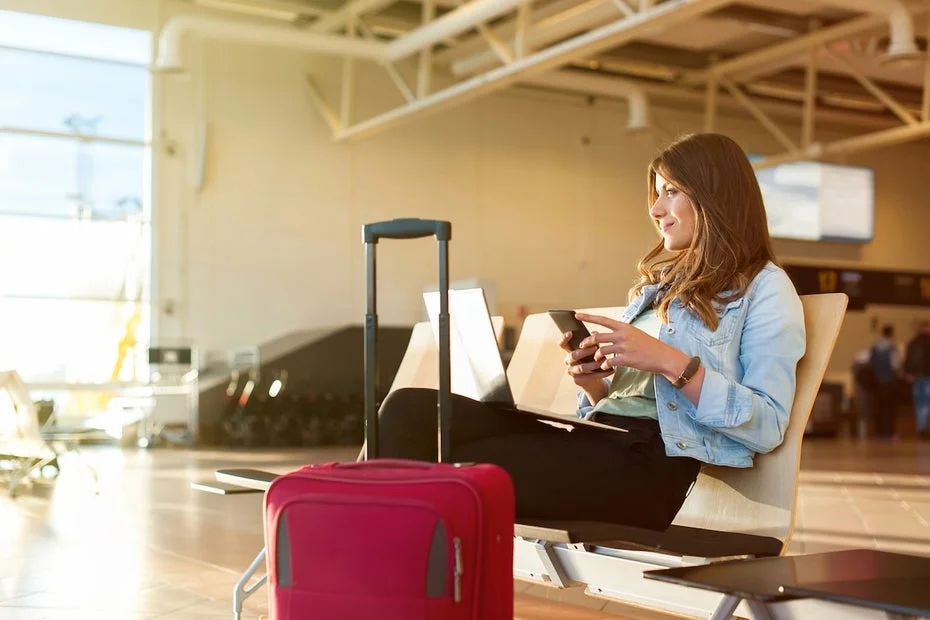
As travelers prepare for their journeys, packing bags and securing tickets often take center stage, but it’s crucial not to overlook the security of your electronic devices. Many vacationers might unintentionally expose their data and finances to risks if they neglect the safety of their smartphones, tablets, and laptops.
Update Devices Before Departure
Before heading out, it’s essential to ensure that your smartphones, laptops, and tablets are updated. Keeping your devices up-to-date is vital for protecting against cyberattacks. Updates typically include security patches that close vulnerabilities and prevent exploits. If you haven't updated your devices before your trip, attackers can take advantage of these gaps in your system, not just in operating systems but also in individual apps. Make sure all software is current before you embark on your travels.
Backup Your Data
In the unfortunate event that something goes wrong with your devices during your trip, it’s wise to back up all existing data beforehand. It’s not just about theft; devices can suffer from water damage, overheating in the sun, or physical impacts from falls during transport. By securing your data, you can recover valuable photos, videos, and documents even if your device is damaged or lost.
There are various options for data storage. Both iPhones and Android smartphones offer cloud services for external data storage. Alternatively, you can connect your devices to a PC or Mac via cable to create a local backup. If you're bringing your laptop along, consider transferring data to an external hard drive that you can leave at home.
Set Up Theft Protection, 2FA, and Device Locks
While on vacation, the threat of theft is a significant concern. Smartphones, in particular, are vulnerable if left in pockets or bags. To safeguard your devices and sensitive information, it’s advisable to implement theft protection measures before your trip.
For Android devices, there are settings that allow your smartphone to lock automatically upon detecting unusual movements or to be tracked remotely. iPhones also come equipped with built-in theft protection settings. A simple method to secure your devices is to enable biometric locks, such as fingerprint or facial recognition, preventing unauthorized access.
For devices that don’t support these features, consider using tracking devices like Apple Airtags for iPhones or Samsung trackers for Android. These can be attached to your devices or personal items to help locate them if lost.
Additionally, enable two-factor authentication (2FA) for your critical accounts. This method requires a code sent to a secondary device, ensuring that even if someone steals your device, they cannot access your accounts without the second factor. Set up 2FA to send codes to a secure device stored in your hotel safe.
Disable Bluetooth and NFC
While Bluetooth and NFC are convenient for daily use, they can pose risks while traveling. These features continuously search for nearby devices, potentially connecting to modified devices that could harm you. It’s wise to disable these connections when they are not actively in use.
Avoid Public Wi-Fi
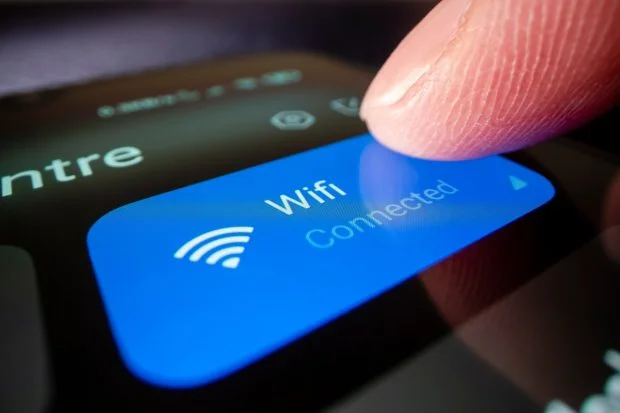
Public Wi-Fi networks can be tempting during travels, especially in hotels, public transport, and cafes. However, these networks are often unsecured and can be exploited by hackers. Ethical hacker Patrick Hawkins advises against using public networks altogether. Attackers can easily create fake hotspots that mimic legitimate networks, tricking users into connecting and compromising their data.
If you must use public Wi-Fi, consider employing a VPN service to encrypt your connection, making it harder for others to access your device.
Exercise Caution with Public Computers
While traveling, you may encounter public computers in hotel lobbies or internet cafes. It’s crucial to avoid logging into personal accounts on these machines. A single misclick could save your passwords on the device, giving subsequent users access to your accounts. Furthermore, these computers may be compromised, with malware designed to capture your login details.
Avoid connecting USB drives or external hard drives to public computers, as this could lead to malware infections. The BSI recommends using USB devices only for non-sensitive data and not connecting them to personal devices afterward.
Stay Away from USB Charging Stations
USB charging stations are increasingly common in airports and public spaces, offering a convenient way to recharge devices. However, these stations can pose significant risks. Cybercriminals can modify USB ports to install malware on your device when you connect it. This practice, known as juice jacking, can compromise your device’s security.
Instead of using USB charging stations, plug your charger directly into a wall outlet for a safer charging option.
Be Prepared for Phishing Attacks
The final tip is relevant during your vacation and beyond. While you might check your messages for important notifications, it’s crucial to remain vigilant against phishing attempts, which can be particularly enticing to travelers. Cybercriminals often exploit the relaxed mindset of vacationers to push urgent messages that prompt hasty actions.
If you receive suspicious notifications regarding account issues or unauthorized transactions, remain calm and avoid clicking on any links. Instead, log into your accounts directly through official apps or websites to verify any claims. If you have doubts, contacting customer support directly can save you from potential headaches during your trip.