
Can Routers Store Your Internet Browsing History? Understanding Data Collection and Deletion
Explore whether routers can track your browsing history, what data they collect, and how to delete it. Learn about parental controls and router settings that may affect your privacy.
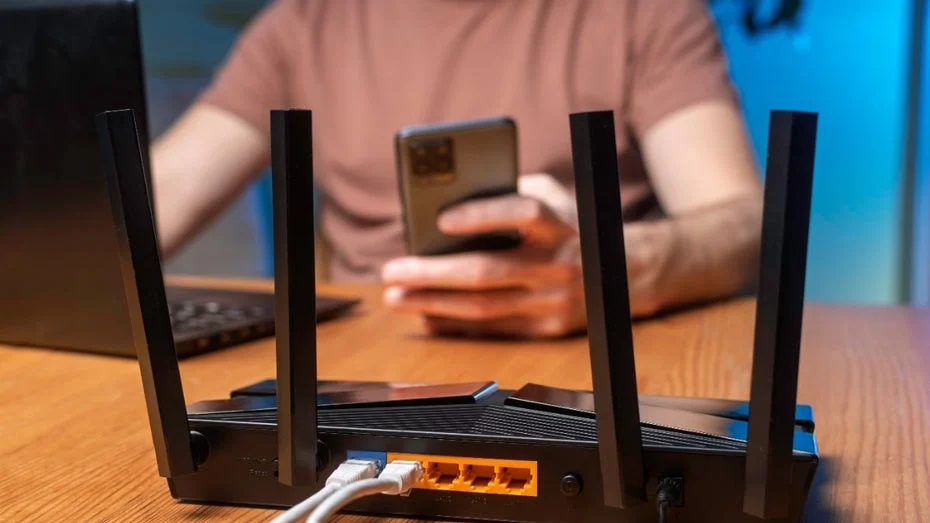
In today's digital age, many users wonder about the extent of data collection by their devices. A common question arises: can routers keep track of the websites you visit? This article explores the capabilities of routers in storing browsing history and how you can manage your data effectively.
When you want to erase a potentially embarrassing Google search or a website visit from your computer or smartphone, clearing your browser history is usually the go-to solution. However, it’s important to consider whether your router could also be logging this information, sitting between your device and the internet.
What Your Router Knows About Your Internet Activity
The good news is that most routers do not maintain a detailed log of the websites you access. Typically, routers only store information related to the internet connection itself. This includes connection attempts from new devices, disconnections, and changes to Wi-Fi channels. Therefore, you can rest easy knowing that your browsing history is not directly mirrored on your router.
If you do wish to delete any data, you can do so through your router's interface. Access this by entering the router's IP address into your web browser and logging in. For models like Fritzbox, you can find relevant functions under the "Internet" and "Online Monitor" sections, as well as in the "Events" area within the "System" category. However, the labels may differ among various manufacturers, and they often do not provide detailed information about the specific sites visited.
Interestingly, only a few router models offer a browsing history feature, and this option usually needs to be activated manually. These models are often more expensive and targeted toward business users. Standard routers provided by internet service providers rarely include such functionalities. Even popular options like Fritzboxes generally do not keep a comprehensive surfing history.
There are some exceptions worth noting. For instance, Fritzbox has a feature called Dtrace, which allows for packet capture but must be manually enabled. When activated, this feature compiles detailed connection data into a file, which can be saved once the capture is stopped. However, this function is primarily intended for troubleshooting issues like frequent disconnections and requires specialized software and technical knowledge for analysis.
Another exception occurs when parental controls are enabled on the router. In this case, portions of the browsing history may be stored when attempts are made to access websites that are on a blacklist. This allows parents to monitor which sites their children attempted to visit, although all other permitted sites are not logged.
Conclusion
In summary, while most routers do not keep a detailed record of your internet activity, there are specific models and settings that can allow for such data collection. Understanding these capabilities empowers you to manage your online privacy more effectively.