Finally Here: How to Get the Internet Speed Indicator on Your Samsung Galaxy
Learn how to activate the new internet speed indicator on your Samsung Galaxy smartphone with the upcoming One UI 9 update. Get real-time data on your internet connection.
- Home
- News
- Hardware & Gadgets
Don't miss any news anymore!
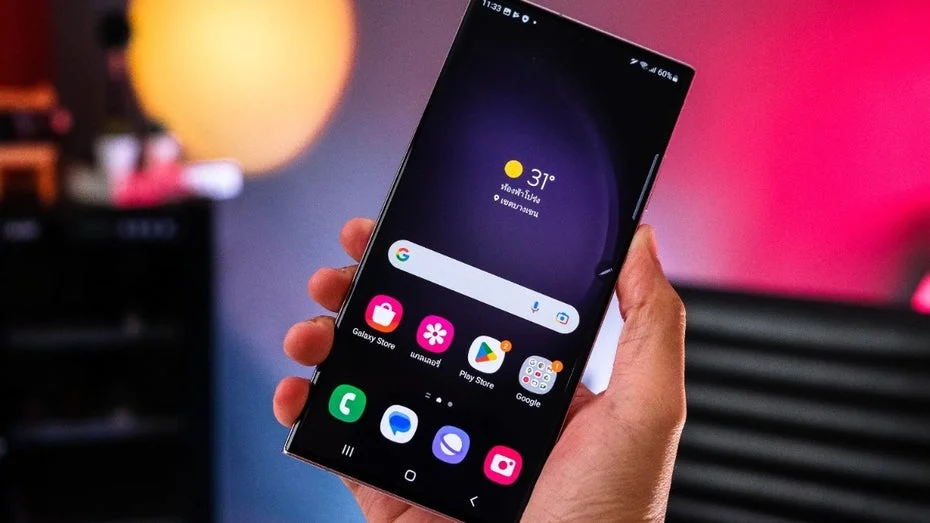
Soon, Galaxy users will be able to activate a feature on their smartphones to get more information about their internet connection. However, this long-awaited update can only be activated through a workaround. Here's how it works.
Galaxy Smartphones Get New Internet Indicator
As reported by Sammobile, this update will arrive on Galaxy smartphones with One UI 9. Currently, the operating system overlay for Android 17 is in a beta phase. Only in a few regions – including Germany – can owners of a Galaxy S26 participate in the testing phase and get a first look at the major update.
Once the network speed indicator is activated, you will find it permanently in the top right corner of the status bar. The new feature displays your download and upload speeds in real-time, whether you are using mobile data or connected to Wi-Fi. The speeds are shown in kilobytes or megabytes per second and are reported to be quite accurate based on initial tests.
This new feature for Galaxy smartphones is particularly useful when you want to detect unusual internet connections. If your smartphone is currently doing nothing but high download rates are displayed, you should investigate the cause more closely. However, as useful as the feature is for Galaxy smartphones, activating it is somewhat cumbersome.
At least in the current version of One UI 9, you cannot simply turn on the feature in the settings. Instead, you need the Samsung app Good Lock. This is a kind of app hub that brings together numerous applications that allow you to customize your Galaxy smartphone to your preferences.
Good Lock is available for free on the Google Play Store, but is already pre-installed on most Samsung smartphones. Once One UI 9 is available, you can open the app and download the Quick Star extension within it. Once the module is activated, the option for the speed indicator can be found under “Visibility of Indicator Icons” under the “Network Speed” section. However, Galaxy users will have to be patient. The official release of One UI 9 is not expected until the end of July 2026.
This article was originally published on June 15, 2026, but is still of great interest to many of our readers. Therefore, we have updated it and made it available again.
Do You Know These Android Features?

Top Articles