
Why Uninstalling Apps on Windows 11 May Not Free Up Storage Space
Learn why uninstalling apps on Windows 11 doesn't always free up storage space. Discover the MSIX format and its impact on app removal.
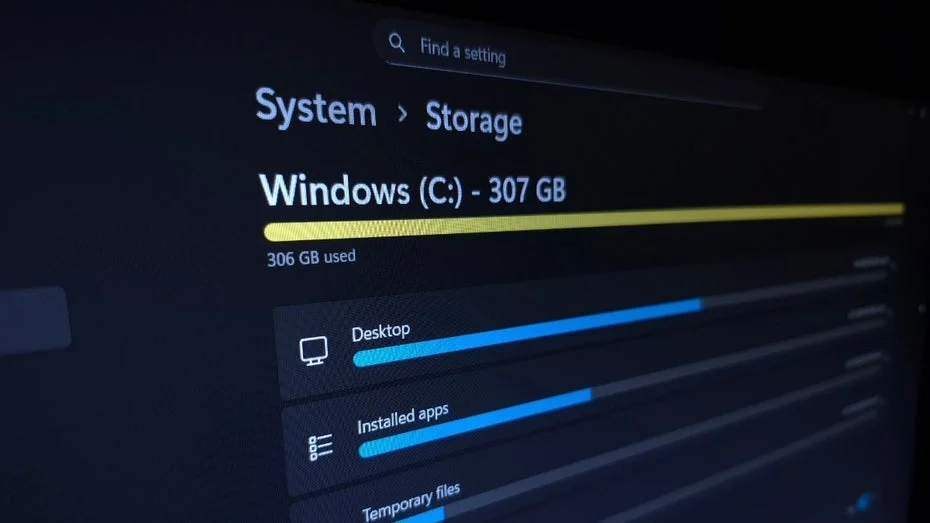
When Windows 11 users receive the dreaded message of "Insufficient storage space on drive C:", it often leads them to take immediate action by uninstalling unnecessary applications. However, this common practice may not always yield the expected results in terms of freeing up storage.
A recent post on Microsoft's Developer Blog sheds light on this phenomenon, explaining that removing applications from the Microsoft Store does not always equate to freeing up storage space. This is largely due to the unique way Microsoft packages these applications.
Understanding MSIX: The Difference Between "Removing" and "Uninstalling"
Microsoft uses a specific format called MSIX for applications available in its store. As explained by pcworld.com, this format is designed to ensure clean installations, keep apps updated, and avoid unnecessary registry entries.
The MSIX format simplifies application management; however, it also introduces a distinction between "removing" and "uninstalling." Howard Kapustein, a senior software developer at Microsoft, elaborates on this in the blog post, stating that uninstalling software typically involves deleting binary files, removing directories, and cleaning up registry entries. In the case of MSIX, this model simply does not apply.
The Four Stages of an MSIX Application
Instead of the traditional uninstall process, MSIX applications undergo four stages: "stage," "register," "deregister," and "destage." When a user opts to remove an application, it does not get uninstalled in the conventional sense. Instead, the application remains on the hard drive but becomes invisible to the user.
"When a package is removed, the package files are not necessarily deleted from the hard drive," Kapustein explains. "The operation primarily focuses on removing the registrations and system integrations of the package. From the user's perspective, the application is gone, but from the operating system's viewpoint, the package may still reside on the hard drive, available for and possibly in use by other users."
Thus, when users click "remove," they effectively unregister themselves from the application, making it invisible while the storage space remains unchanged. The only indication of its lingering presence is the unchanged storage usage.
Future Insights on MSIX App Removal
Kapustein concludes his blog post by promising a follow-up that will provide more details on which references and components remain on the computer after an app is removed. This forthcoming information may offer users a manual workaround for completely deleting leftover data.