Not Just in Summer Heat: Why Your Fritzbox Shouldn't Be in a Cabinet
Even though devices have become more aesthetically pleasing, many prefer to hide routers out of sight, for example, by placing them in a cabinet. Understandable, but not sensible. Routers are just computers—and they don't like excessive heat.
- Home
- News
- Hardware & Gadgets
Don't miss any news!
Even though devices have become more aesthetically pleasing, many prefer to hide routers out of sight, for example, by placing them in a cabinet. Understandable, but not sensible.
Source: dpa
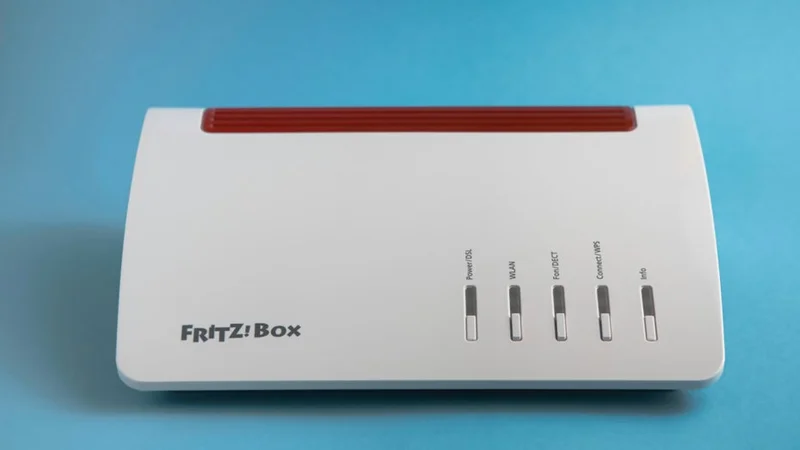
Routers are just computers—and they don't like excessive heat. If their processor gets too hot, the devices shut down, and nothing works anymore. Even before it gets to that point, many functions, including essential Wi-Fi, can experience disruptions and failures. Or you might be surprised by annoying restarts.
To prevent this, Fritz, the manufacturer of the popular Fritzbox routers, recommends placing the devices as freely as possible and keeping the following in mind:
- Do not place the router in a cabinet or enclose it in a housing.
- Ensure that the ventilation slots are unobstructed.
- Do not expose the router and power supply to direct sunlight.
- Do not place the router directly next to devices that also produce heat.
- Do not place the router on carpets or upholstered furniture.
- 120 degrees as an absolute limit—usually, the device shuts down before reaching that.
- If you're interested in the temperatures inside a Fritzbox, you can easily access the settings menu via your browser at the address "fritz.box" and then check under "System/Energy Monitor/Statistics/CPU Temperature."
There, a graph shows the temperature development of the main processor (CPU) over the last 24 hours. The value of 120 degrees is marked in red. However, this is the absolute upper limit; disruptions and functional failures can occur much earlier.
Cleaning and Cooling – Restarting is Not Sustainable
In general, it’s also worthwhile to keep the router and its surroundings clean to prevent large amounts of dust from accumulating inside. This can also lead to overheating.
If you currently don’t have time or the option to give the router a cooling break or find a better location, the device can also be cooled from the outside, for example, with a fan or a laptop cooler.
Because too hot remains too hot: Even if a restart might provide temporary relief, the problems are likely to reoccur if the temperature inside the device does not decrease.
Vertical, Elevated, or Wall-Mounted – 3 Additional Solutions
If the router is relatively free but still gets too warm, it can also make a difference if you:
- Place the device vertically, if the manufacturer allows it,
- Elevate the device away from the surface, for example, using four bottle caps or, depending on the desired height, with the discs of a quartered or two halved corks,
- Mount the device on the wall—many manufacturers provide drilling templates and often even mounting materials with their devices.
Mysterious Thermal Issues – Maybe an Update is Overdue
Rarely, but still a possible cause of thermal problems: The router overheats because the latest firmware is not installed. So it's best to check in the settings menu to see if an update is available.