Problems with Windows? Here's How to Use ChatGPT, Claude, and Gemini to Diagnose Issues
AI tools can troubleshoot issues on your Windows computer without needing full system access. Learn how to analyze errors using MSInfo32 and AI tools like ChatGPT, Claude, and Gemini.

- Home
- News
- Software & Development
Don’t miss any news!
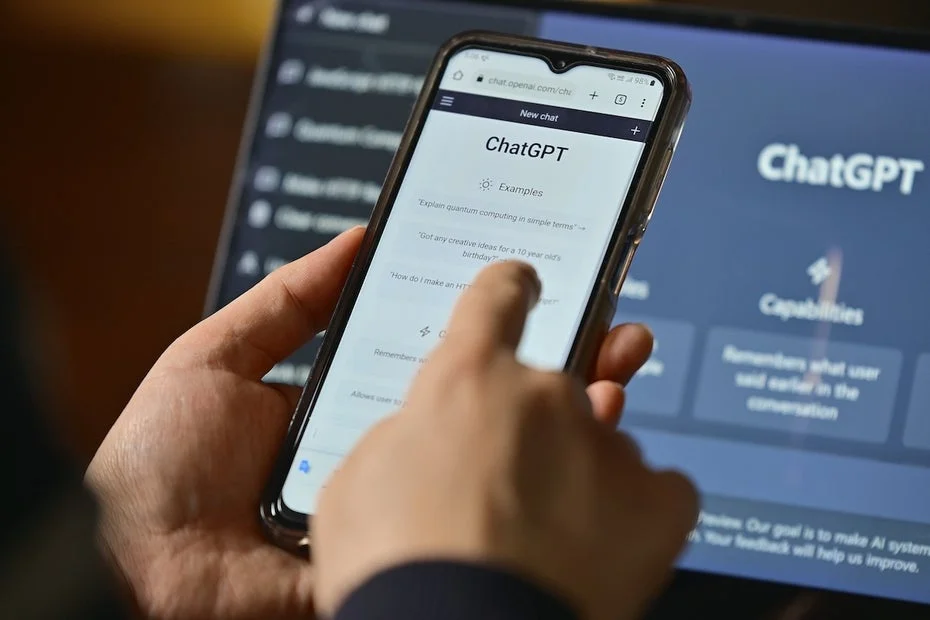
AI tools can troubleshoot issues on your Windows computer, but they typically require access to the system. However, with a little workaround, you can have errors analyzed without giving Claude, ChatGPT, and others access to your PC.

More and more AI tools now have the ability to control your computer. They can sort files, analyze them, and create summaries. Some AI coding tools have even deeper access and can theoretically search for problems within the system and fix them. However, this comes with risks. If you don’t know exactly how to control ChatGPT, Claude, and others, you could put your Windows PC in danger.
How to Have ChatGPT and Others Inspect Your Windows PC
In fact, in some cases, you don’t need to give AI tools full access to use them, as reported by PCWorld. This is the case when you notice problems with your Windows machine. If the device is slow or crashes intermittently, troubleshooting can be exhausting without help. An AI can scan the system faster and identify potential issues that we might miss during a manual search, providing you with solution suggestions.
To achieve this without full access to Windows, you can use the MSInfo32 tool. This small program is a standard part of Windows. To open it, activate the input line with the key combination “Windows key + R” and type “msinfo32” there. Confirm the input, and a file will be generated that summarizes all the important information about your system. You can export the information via “File.”
The MSInfo32 file can then be uploaded to ChatGPT, Claude, or Gemini. After that, you just need to instruct the AI to assess the status of your PC based on the report, check for potential issues, and provide suitable suggestions for them. Depending on the problems you have with your Windows system, you can also give the AI tools additional information to search for specific issues.
But even if you have no problems with the Windows system, you can still gain some improvements through AI. As PCWorld reports, in a smoothly running system, ChatGPT noted that while there were no critical errors, a virtual Ethernet adapter had been disabled.